

Amazon Returns
Make sure you select the correct return option if you plan to drop off your Amazon return package at a UPS authorized services provider.
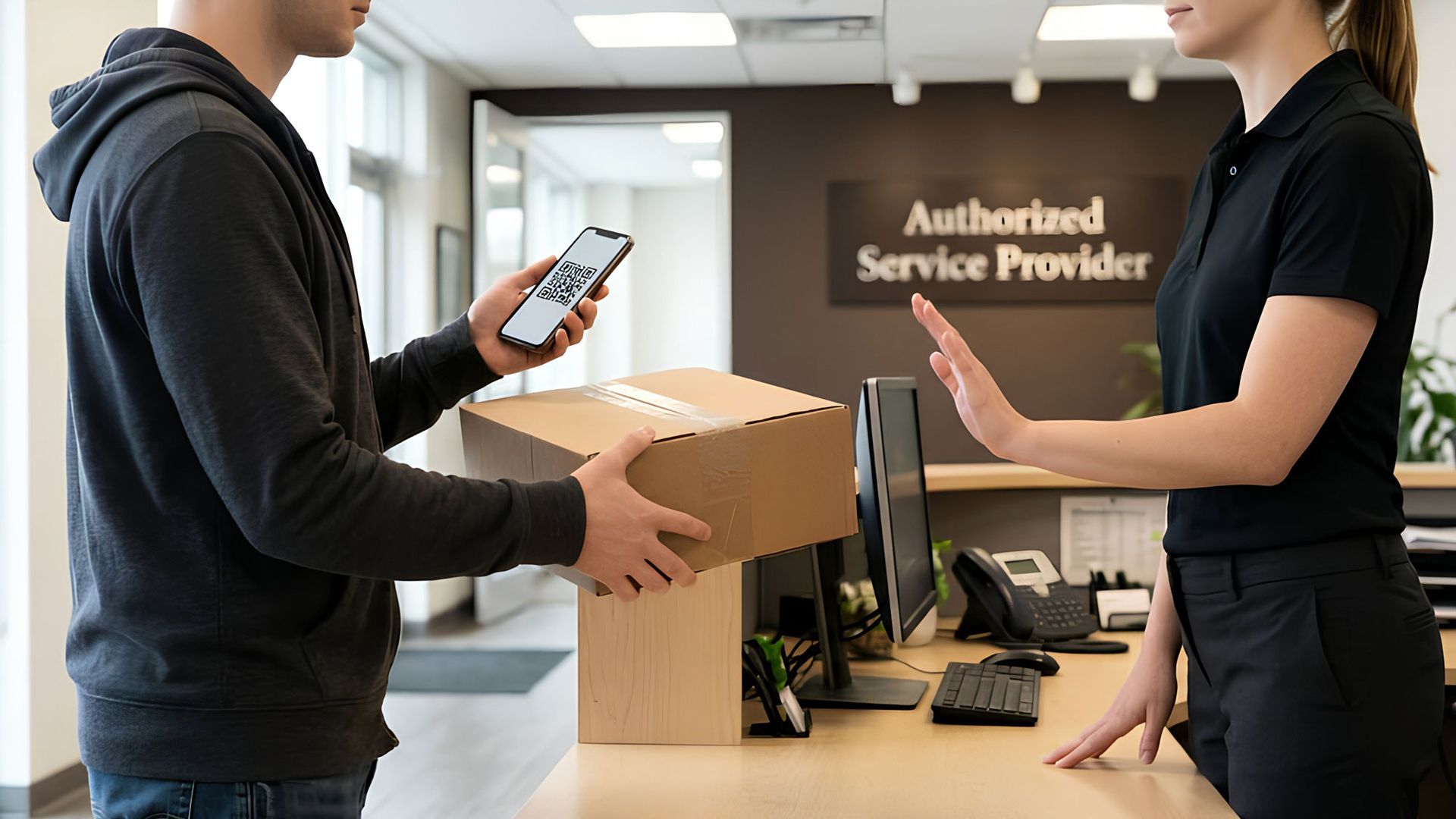
AI generated Image
"I thought when I selected UPS I could take it to any UPS location or service provider, no?"
No, not all UPS locations are the same, there is a difference between THE UPS STORE and a UPS Authorized Service Provider, like The SUN for example, which is an authorized service provider.
When you've chosen to return your Amazon order, and choose the option "The UPS Store Dropoff - no box or label needed", you are provided with a QR-Code to be taken to THE UPS STORE. No other authorized shipper can take this QR-Code. Only THE UPS STORE can accept this QR-Code.
Chose the wrong option for your Amazon return?
—Don't worry, just follow these steps for quick, hassle-free returns.
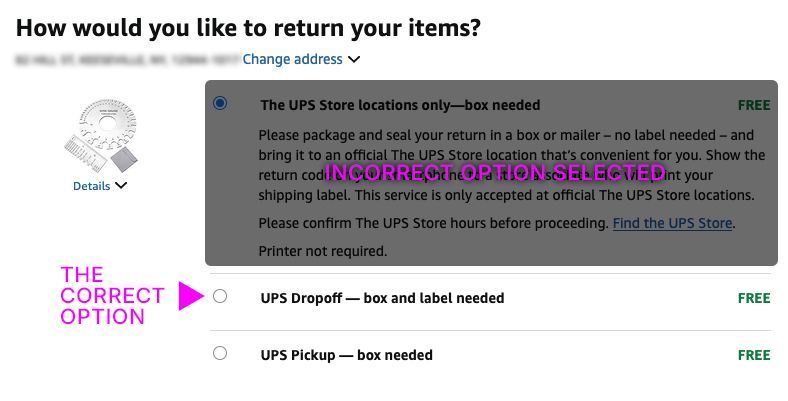
Step 1:
If you have already started the return, and incorrectly chose "The UPS Store Dropoff - no box or label needed", go back an change the return request so you can get a label instead of a QR Code. Go to "Returns & Orders" in your Amazon app.

Step 2:
Choose "View return/refund status" as shown here.
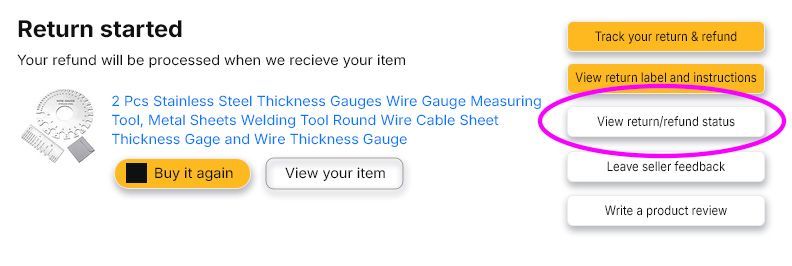
Step 3:
Next, choose "Cancel return".
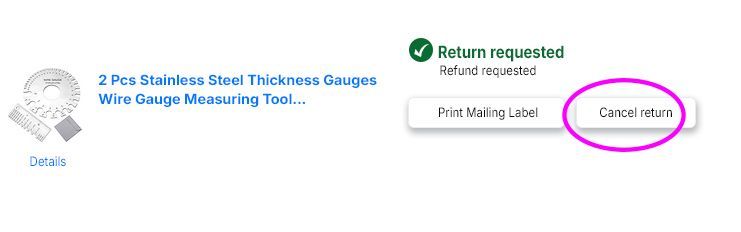
Step 4:
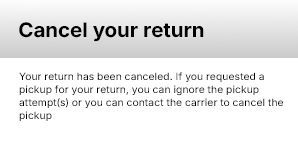
Your return has been cancelled.
Step 5:
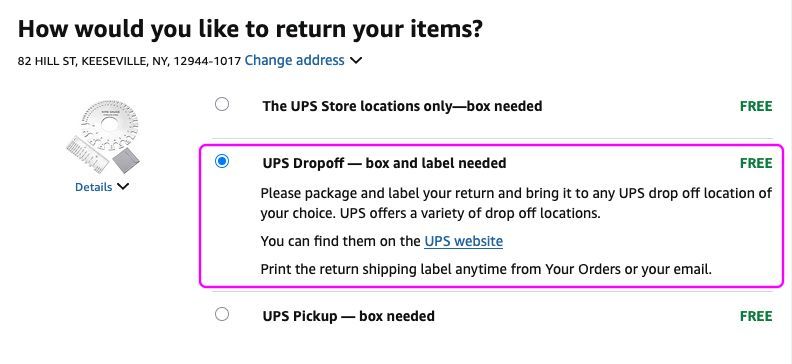
Next, go back to your return option and this time choose "UPS Drop-Off Points". This option will produce a printable label and require you to email to a friend. Print the label.
Don't have a printer? —We can print your label here for you.
You can email your label to us, and we’ll print it when you arrive. Additional packing materials—such as tape, boxes, and bubble wrap—are available upon request. Please note that there is a small fee for these services, including label printing.